
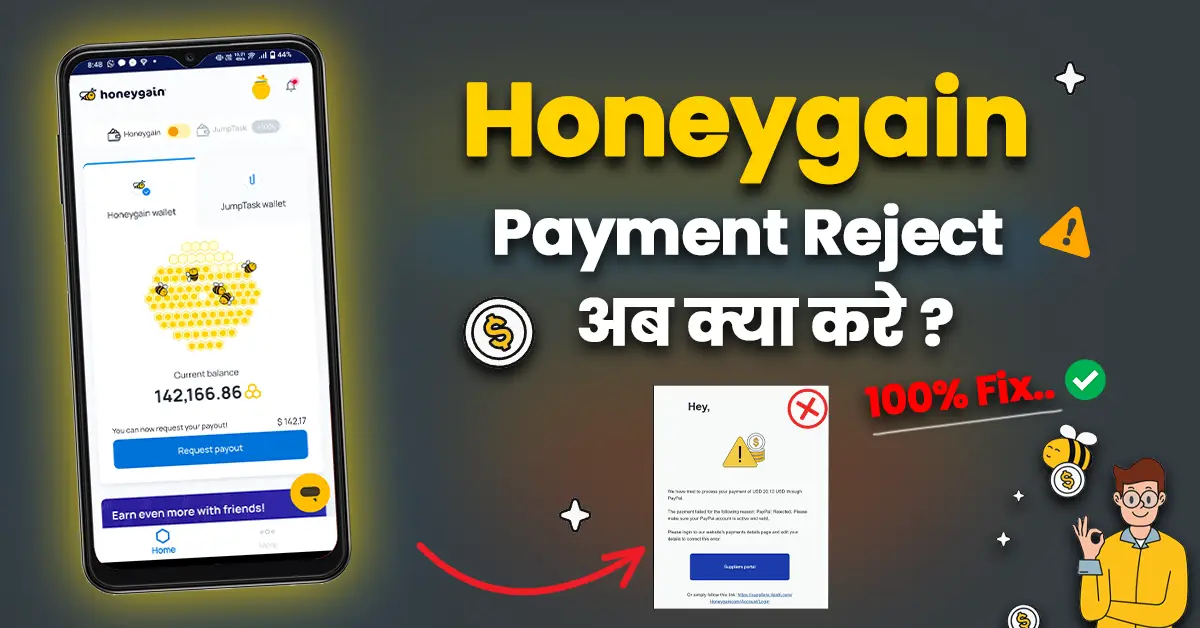

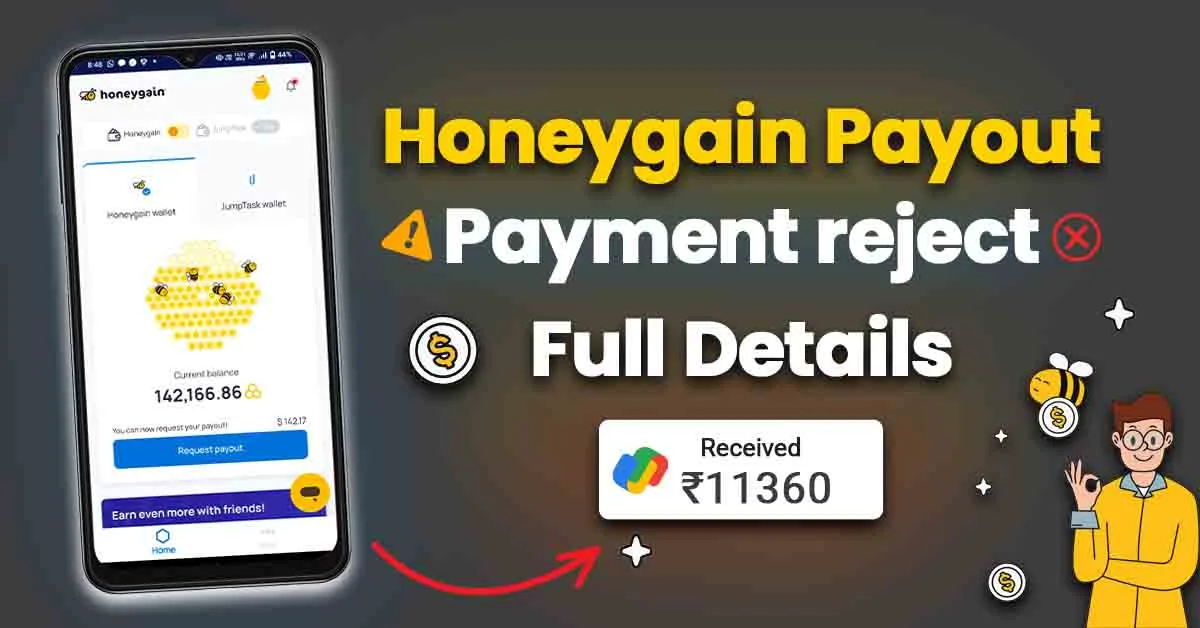
Honeygain App Payment Reject: अगर आपका Payout Reject हो जाए तो परेसान होने की जरूरत नहीं है, हम आपको बतायेंगे की Payout Reject क्यों होता है और इस के बाद हमे क्या करना चाहिए!
Payment Reject कब होता है?
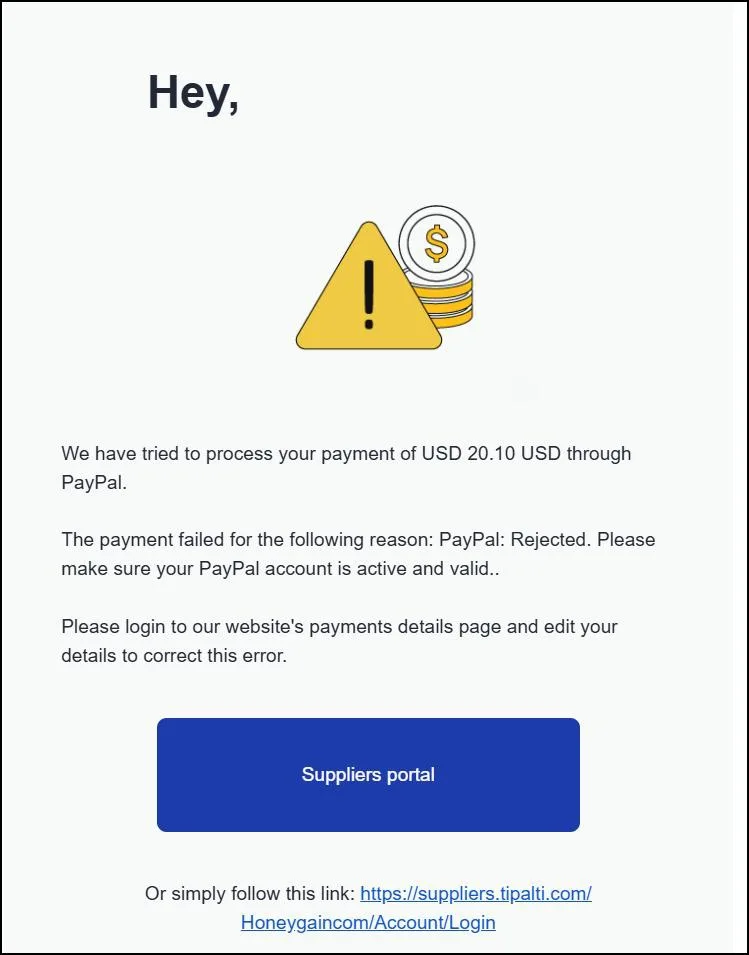
Payout Reject होने के कुछ ही कारण होते है, जैसे कि Paypal Account Verified नहीं होना, Inactive होने की वजह से भी होता है और सबसे Important paypal Business Account होना चाहिए।
यह भी पढ़ें : Honeygain App Se Paise Kaise Kamaye, मोबाइल इंटरनेट डेटा बेचकर घर बैठे कमाई करें!
Honeygain Payout Reject हो जाए तो क्या करे.
अगर आपका Payment Reject हो जाए और आपके पास Payout करने का Option नही हो तो आप हमे Honeygain Credit Jumptask से भेज सकते है और हम आपको उस का Real Money UPI/Bank Transfer कर सकते है
और इस के लिए आपको सबसे पहले अपना honeygain Payout जो Reject हो गया है उस Credit/Points को वापस honeygain wallet मै लेना होगा।
उस के लिए आपको सबसे पहले इस लिंक पर क्लिक करना होगा। 👉 Honeygain Support
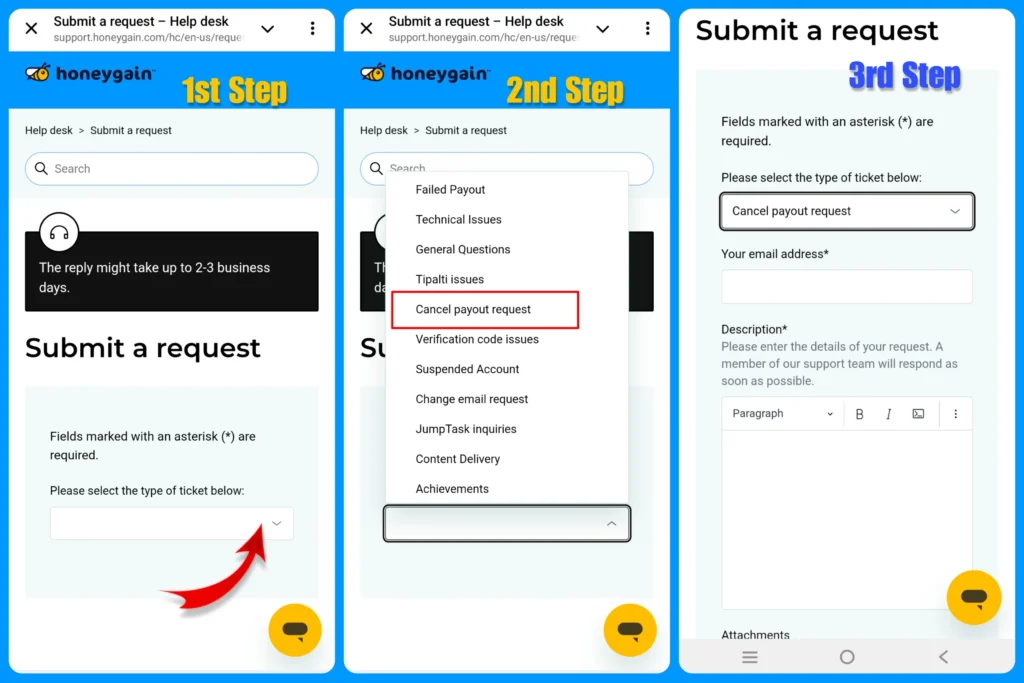
- Cancel Payout Request Select करना होगा,
- Your Email Address में जिस email से आपका Honeygain Account बना है वो email लिखना होगा।
- Discription में लिखना है कि /Honeygain Payment Reject हो गया है Paypal Account Problem की वजह से इस लिए हमारा Honeygain Credit वापस कर दे फिर हम Jumptask से Payout Apply करेंगे।
- Submit कर दे !
आपको हम नीचे एक Readymade Discription दे रहे है आप Copy करके Discription में Paste कर देना।
“Dear Honeygain Support Team,
I recently applied for a payout through PayPal, but unfortunately, it was rejected due to an issue with my PayPal account. I kindly request you to cancel this rejected payout and return the credits back to my Honeygain account balance, so that I can reapply for withdrawal using JumpTask.
Your assistance in resolving this matter will be greatly appreciated.
Thank you for your support“
इस के बाद Honeygain Team से आपको ईमेल पर कोई भी रिप्लाई आए तो आप हमे दिखा या बता सकते है Instagram ( techfromuk04 ) पर या फिर Honeygain Credit वापस आने के बाद आप हमे Contact कर सकते है Instagram(techfromuk04)/ Telegram ( @TechFromUK04Support ) पर Payment लेने के लिए।
यह भी पढ़ें :


 By
By





I love how the article dives straight into the drama of a rejected Honeygain payout! The step-by-step guide to申诉 feels like a scene from a soap opera. And the insistence on using specific social media handles for updates is just… *chefs kiss*. Its like asking for your favorite takeout, but the restaurant only accepts tips via carrier pigeon. A fun, slightly chaotic read!